Access control account info
For Secur-Tek Keyscan customers. Sign in to manage your door access control account online, or call us and we'll make the change for you.
Manage your account online
Secur-Tek Keyscan customers can log in securely to manage their access control accounts.
- Open the sign-in page
Use the button below. Your account lives at aurora.mysecurtek.com, so check for that address before you log in.
- Log in
Enter your username and password. Need a login, or locked out? Call us at (919) 387-1800.
- Make your changes
Depending on your system and permissions, manage users, credentials and codes, and review door activity.
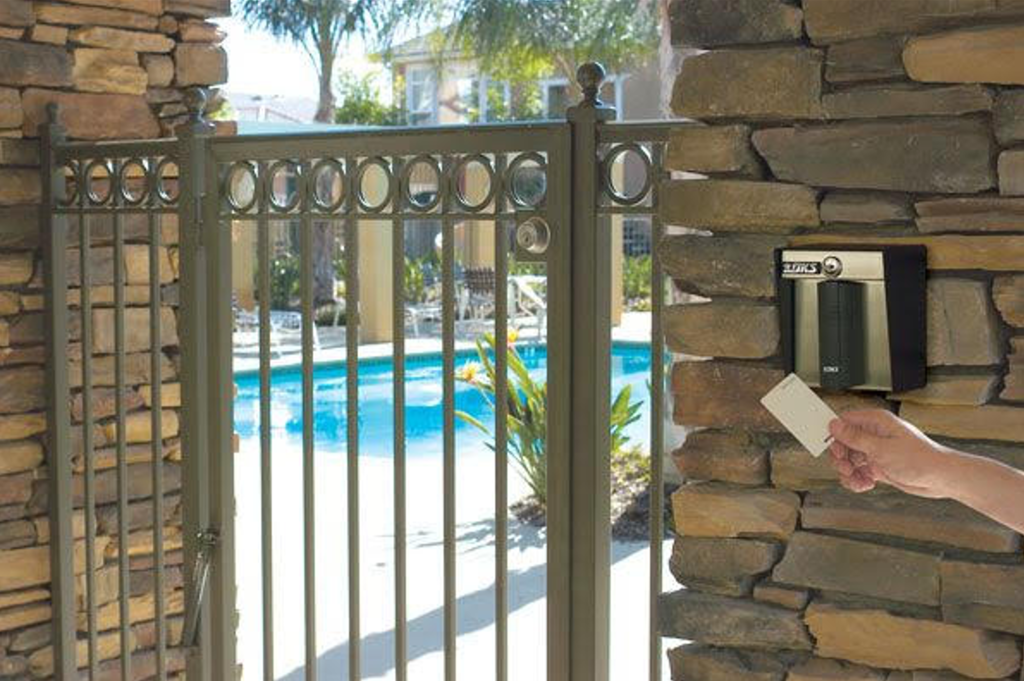
What to do when something changes
Most account changes are one of these. Handle them in your account, or call and we'll take care of it.
Lost fob or card
Turn the credential off in your account right away, or call us and we'll do it. No need to change the locks.
New person to add
Add the user and their credential in your account, or send us the name and the doors they need.
Hours and schedules
Holiday, seasonal or after-hours changes. Update door schedules if your permissions allow, or ask us.
Door or reader problem
A door that won't unlock or a reader that won't respond needs a technician. Request service or call us.
Rather we handle it? You don't have to manage the system yourself. Call (919) 387-1800, Monday to Friday, 8am to 5pm, with the person's name and the doors they need, and we'll add or remove the credential.
Other ways we can help
Request service
Tell us which door or reader isn't working and we'll schedule a technician.
Request serviceBilling questions
Questions about an invoice or your account? Send them to our office.
Ask about billingAdd doors or a new site
Fobs, cards, PIN codes and schedules for offices, HOAs and multifamily buildings.
Door access controlAdding doors or another location?
We'll walk the site, look at every door and send you a written proposal.